Google Ads That Convert on a Small Budget
Run Google Ads for small business profitably on a few hundred a month. Track, target, and scale right. Start with the math.
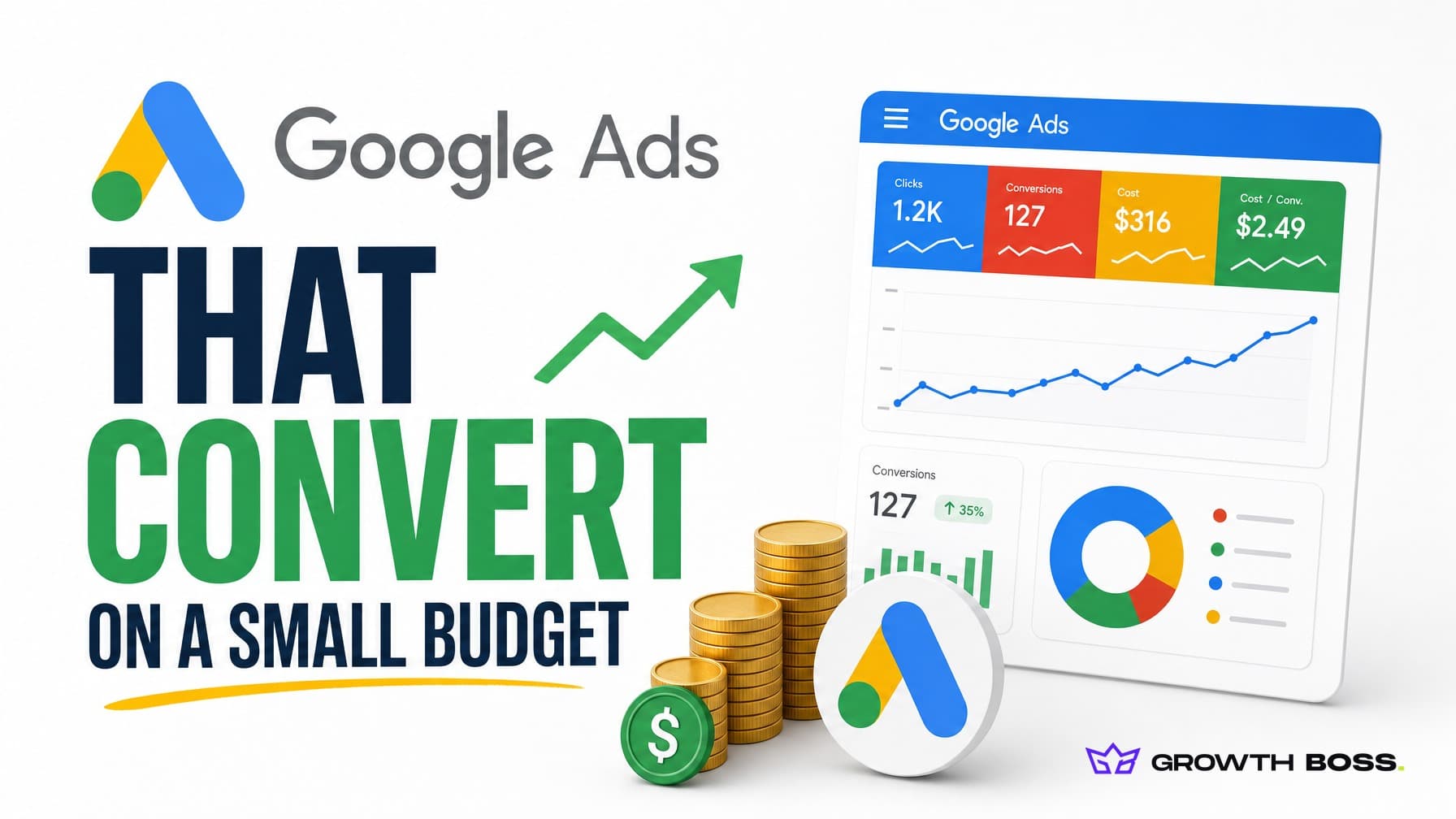
Most small businesses don't lose money on Google Ads because the platform is too expensive. They lose money because they hand Google a credit card before they've decided what a customer is worth to them. The good news: you can run Google Ads for small business profitably on a few hundred dollars a month, but only if you treat every dollar like it has to earn its seat back.
We've audited dozens of small-budget accounts at GrowthBoss, and the pattern is almost always the same. The budget isn't the problem. The setup is. Money leaks out through untracked conversions, lazy keyword matching, and bidding strategies that need ten times the spend to work. Fix those three things and a $1,000 month starts behaving like a $3,000 month.
Let me walk you through exactly how to do that.
Why Google Ads for Small Business Is a Discipline, Not a Limitation
Here's the thing nobody tells you when you open a Google Ads account: the platform is built to spend your money efficiently for Google, not for you. Its defaults nudge you toward broad reach, automated bidding, and maximum daily spend. That's fine when you have $50,000 a month to feed the machine. It's a slow bleed when you have $1,000.
The average cost per click on Google Ads sits around $5.26 in 2025, climbing to roughly $5.42 heading into 2026 (WordStream). But that average hides a huge range. CPCs run as low as $1.16 in ecommerce and $1.60 in arts and entertainment, and as high as $9.21 in legal services, with some personal injury keywords topping $130 per click (WordStream, Focus Digital). Your industry sets the floor on what's possible.
So a small budget doesn't mean you can't compete. It means you have to be ruthless about where clicks go. A $1,000 monthly budget in ecommerce buys you around 800 clicks. The same budget in legal buys you 100. Both can be profitable. Neither can survive waste.
Track Conversions Before You Spend a Cent
This is the single biggest reason small accounts fail, and it's the least exciting to fix. An estimated 90% of businesses have conversion tracking mistakes in their Google Ads accounts (BrightClick). They're optimizing toward clicks, page views, and other vanity numbers that have nothing to do with revenue.
Google's bidding algorithm is only as smart as the signal you feed it. Tell it "I want clicks" and it will get you cheap clicks from people who will never buy. Tell it "I want this exact form submission worth $400" and it goes hunting for people who look like buyers. Same budget, completely different outcome.
Before you launch, set up tracking for the actions that actually make you money:
- Form submissions tied to real leads, not newsletter signups
- Phone calls over a set duration (60 seconds filters out wrong numbers)
- Purchases with revenue values passed back to Google, not just a generic "conversion"
- Booked appointments or demos for service businesses
Fixing tracking and the targeting that flows from it typically cuts wasted spend by 30 to 50% (Proximate Solutions). That's not a tweak. That's finding a third of your budget you didn't know you were burning.
Takeaway: if you can't name the exact dollar value of a conversion, you're not ready to run ads yet. Figure out what a customer is worth first. Our ROI calculator takes about two minutes and gives you the number you'll plug into your bidding.
Pick the Right Campaign Type for Your Budget
Not all Google Ads campaigns deliver the same return, and on a small budget the difference is decisive. Search campaigns catch people who are already typing what they want into Google. That high intent is why Search delivers the strongest average ROAS at roughly 5.17:1, well ahead of Performance Max at around 2.57:1 (Triple Whale).
Here's how the main options stack up for a small advertiser:
My advice for almost every small business: start with Search, full stop. It's where the intent lives, it's the easiest to control, and it gives you the cleanest data. Performance Max is powerful, but it's a budget vacuum that needs at least $50 a day to gather meaningful data (Channable). If you only have $1,000 a month, that one campaign would swallow your entire spend before it learns anything useful.
When to Graduate to Performance Max
Once your Search campaign is consistently profitable and you've built a real conversion history, Performance Max becomes worth testing. When you do launch it, don't hand it a target CPA or ROAS on day one. Let it test wide first, then tighten. Scale in roughly 20% budget increments and wait 7 to 10 days between increases so the algorithm can stabilize (Channable). We dug deeper into this in our marketing and growth services work with lead-gen clients.
Keywords: Where Small Budgets Live or Die
If conversion tracking is the foundation, keyword discipline is the wall that keeps your money in. Google offers three match types, and the default settings push you toward the loosest one.
- Exact match shows your ad only for searches that closely match your keyword. Highest intent, highest click-through rate, least waste. Start here.
- Phrase match catches searches that include your term plus extra words. Still strong intent, a bit more reach. A great second layer.
- Broad match lets Google show your ad for anything it decides is "related." On a small budget, this is how you end up paying for clicks on searches that have nothing to do with what you sell.
For a small advertiser, treat broad match as a graduate-level tool. Don't deploy it in your first 60 days. Build your conversion data on phrase and exact match, sharpen your negative keyword list, then test broad as a controlled experiment with automated bidding once you can afford the tuition.
Negative keywords are the other half of this. These are the searches you tell Google to never show your ads for: "free," "jobs," "DIY," "cheap," competitor names you don't want to bid on. As of March 2025, Google raised the negative keyword limit to 10,000 per campaign, even for Performance Max (Karooya). Use that room. A solid negative list of a few hundred terms is one of the fastest ways to plug a leaking budget.
Stop running broad match in week one. It's burning money you don't have to spare.
Your Landing Page Is Part of the Ad
You can win the auction and still lose the sale. We've watched small businesses pay $5 a click to send people to a homepage that buries the offer below three scrolls of company history. That click is gone whether the visitor converts or not.
A few non-negotiables for the page your ads point to:
- The headline matches the ad they clicked (message match keeps people from bouncing)
- One clear action above the fold: call, buy, or book
- Page loads in under three seconds on mobile
- Proof close to the button: reviews, a guarantee, a recognizable client
Industry-wide, the average ROAS for Google Ads sits around 2:1, and it actually dropped about 10% in 2025 as costs rose and conversion rates softened (WhatConverts, Focus Digital). When the platform gets more expensive, your landing page conversion rate becomes the lever you actually control. Squeezing a 2% page into a 3.5% page can do more for your return than any bid adjustment. Run your numbers through our ROAS calculator to see exactly how much a conversion-rate bump is worth at your spend level.
A 30-Day Starting Plan You Can Run Tomorrow
Theory is cheap. Here's the sequence we'd actually run for a small business launching on roughly $1,000 a month, or about $33 a day.
- Days 1–3: Set up conversion tracking and assign a dollar value to each action. Build a negative keyword list of 100+ terms before launch.
- Days 4–7: Launch one Search campaign, tightly themed around 10 to 15 exact and phrase match keywords. Use Manual or Maximize Clicks bidding until you have conversion data.
- Days 8–21: Check the search terms report every other day. Add every irrelevant query as a negative. This is the most valuable 15 minutes you'll spend all week.
- Days 22–30: Once you've logged 15 to 30 conversions, switch to a smart bidding strategy like Maximize Conversions or Target ROAS. Now Google has enough signal to spend well.
Then, and only then, consider a second campaign or a Performance Max test.
The One Move That Changes Everything
If you do nothing else from this post, do this: don't spend a dollar until you know what a conversion is worth and you can track it. Every other tactic here, the campaign type, the match types, the landing page, only pays off when Google can see which clicks turn into customers. Without that, you're bidding blind, and a small budget punishes blind bidding fast.
So start with the math. Spend twenty minutes with our conversion rate calculator and our ROI calculator, write down the number you can afford to pay for a customer, and build everything backward from there.
If you'd rather have a team that runs small-budget Google Ads for a living set it up with you, that's exactly what we do. Talk to us and we'll tell you, honestly, whether Google Ads is even the right channel for where your business is right now.
Reviewed by Keston Leader under our editorial policy.